Microsoft Says Goodbye to Passwords
Microsoft is taking its largest step yet toward a password-free future. By default, it will now ask users creating new accounts to choose a log in method that is more secure than traditional passwords. These new log in methods include security keys, push notifications, and passkeys. After years of enabling passwordless Windows logins– and even letting users remove passwords from their accounts– it seems Microsoft is starting to completely phase out traditional passwords.
As of now, existing accounts won't need to change their passwords, but new accounts will be prompted not to establish one at all. New Microsoft accounts will now be "passwordless by default." New users won't ever need to create a password because they will have many password-free systems to access their accounts. Passwords can be removed by current users by going to their account settings.
Say Hello to Passkeys
So, what is replacing passwords? Microsoft introduced passkeys to consumer accounts around this time last year. Since then, Microsoft says it’s seeing “nearly a million passkeys registered every day,” and that passkey users have a 98 percent success rate of signing in.
Passkeys
are an innovative login method that replaces passwords by using authentication mechanisms already built into your devices, potentially eliminating the need to memorize long, complex passwords to access your accounts.
Passkeys are built on
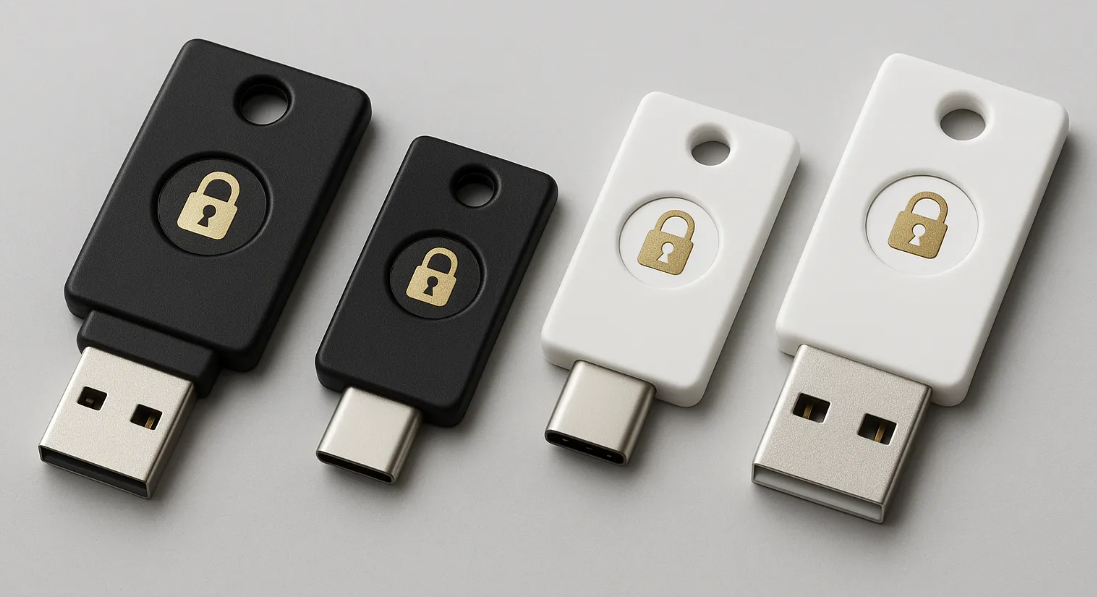
WebAuthn (or Web Authentication) technology, and are saved directly on your device. Passkeys are unlike passwords or PINs, which can easily be stolen. Hardware security keys can also be used in conjunction with passkeys for an added level of protection.
The technology has been integrated into the platforms of Apple, Google, and Microsoft since their joint announcement in support of passkeys in 2022. By 2024, 20 percent of the top 100 websites and services worldwide accept passkeys, allowing over 13 billion accounts to sign in, according to the FIDO Alliance.
Passkey Experts at Tx Systems
Transitioning to new technology can be confusing- that is why we are here to help. Our team are passkey experts, and can answer any questions you have. We know all about passkeys: what they are, how they work, and which ones are best. Do not hesitate to reach out to us with any passkey inquiries at sales@txsystems.com or at (858) 622-2004.