A Major Change is Coming to Microsoft
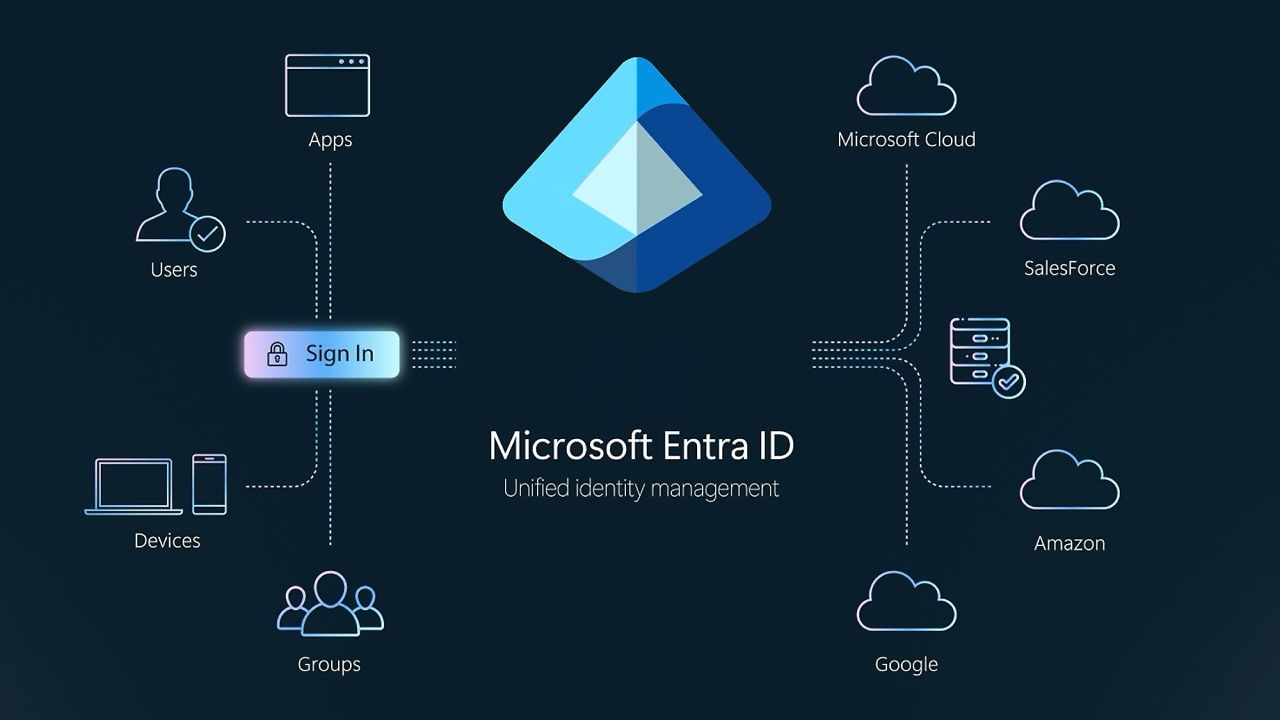
Microsoft is making a major change to authentication in Microsoft Entra ID. Beginning in September 2026 passkeys will become the default authentication experience for users who currently rely on SMS or voice authentication.
Microsoft-provided SMS and voice authentication will be fully retired on February 1, 2027.
For organizations still relying on text messages or phone calls for multi-factor authentication (MFA), this change is more than a policy update. It is a clear signal that traditional authentication methods are no longer strong enough for the modern threat landscape.
As artificial intelligence makes phishing attacks more convincing and easier to scale, organizations need authentication methods that are designed to resist phishing, credential theft, SIM swapping, and other forms of account takeover. That is where passkeys come in, and hardware-based passkeys offer some of the strongest protection available.
Why Is Microsoft Retiring SMS and Voice Authentication?
SMS and voice authentication were once considered a significant improvement over passwords alone. However, the threat landscape has changed dramatically.
SMS and voice authentication are vulnerable to several common attack techniques, including:
- Phishing attacks
- SIM swapping
- Number porting attacks
- Social engineering
- Man-in-the-middle attacks
- Replay attacks
- Phone number theft and account recovery abuse
An attacker does not necessarily need to steal a user's phone to compromise an SMS-based MFA method. In many cases, attackers can manipulate a user into revealing a one-time passcode or convince a mobile carrier to transfer a phone number to a device controlled by the attacker.
The rise of generative AI makes this problem even more serious. AI can help attackers create highly convincing phishing emails, fake login pages, automated social engineering campaigns, and even realistic voice interactions. The result is an authentication environment where simply adding a second factor is no longer enough.
Organizations need authentication that can actively resist phishing.
Organizations Should Begin Planning Now
The February 1, 2027 retirement date may seem far away, but enterprise migrations take time. Organizations should begin evaluating their current authentication strategy now.
Important migration questions include:
- Which users currently rely on SMS or voice authentication?
- Should passkeys be stored on smartphones, computers, dedicated hardware, or smart cards?
- How will credentials be issued and managed?
- What happens when an employee loses a device or leaves the organization?
- Can physical access and digital identity be consolidated?
- How will passkeys integrate with Microsoft Entra ID and existing identity infrastructure?
Organizations that wait until SMS authentication is fully retired will find themselves managing a rushed transition. Organizations that begin planning now can gradually move users toward stronger authentication while selecting the credential strategy that best fits their security, compliance, and operational requirements.
The best time to evaluate hardware-based passkeys is before SMS authentication becomes a blocking issue. By moving from SMS-based MFA to hardware-based passkeys, enterprises can provide users with a more secure authentication experience while reducing exposure to phishing, SIM swapping, replay attacks, and other common methods of account takeover.
The era of SMS-based authentication is coming to an end. The era of secure, phishing-resistant hardware credentials is just beginning.
Why Hardware-Based Passkeys Offer an Additional Layer of Protection
Passkeys can be stored in different places, including smartphones, computers, and other devices. Hardware-based passkeys store cryptographic credentials inside dedicated secure hardware.
Examples include:
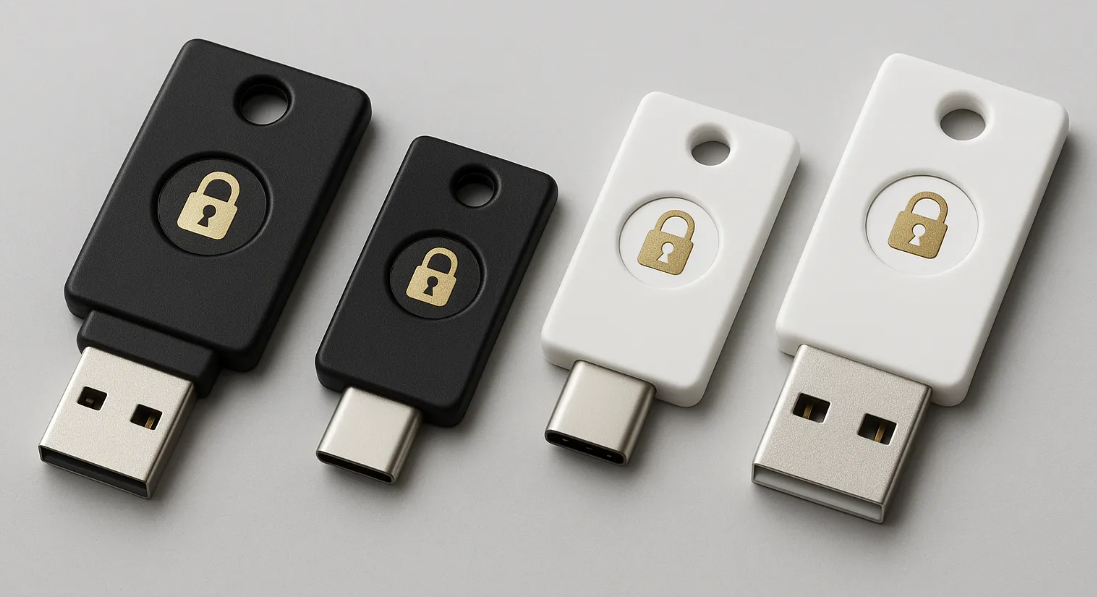
- FIDO2 security keys
- FIDO2 smart cards
- Passkey-enabled access cards
- Secure hardware tokens
- Converged physical and digital identity credentials
The private cryptographic key is generated and protected within the secure element of the hardware. The credential is designed to remain protected inside that hardware rather than being exposed as a file that can simply be copied from one device to another.
This provides several important advantages for enterprise organizations.
1. Hardware Passkeys Are Phishing-Resistant
2. There Is No SMS Code to Intercept
3. The Private Key Is Protected by the Hardware
4. Hardware Passkeys Can Help Protect High-Value Accounts
Hardware Passkeys Can Also Connect Physical and Digital Access
One of the most powerful developments in enterprise authentication is the convergence of physical access and digital identity.
This approach can reduce the number of credentials users must carry while helping organizations create a more unified identity and access management strategy. Instead of treating physical security and cybersecurity as completely separate systems, converged access allows organizations to consider the user's identity across both environments.
Contact Tx Systems for Passkey Migration Guidance
Tx Systems has helped organizations of all sizes connect hardware-based passkeys to Entra ID. We have the largest catalogue of security key's available from top manufacturers, ensuring we can find the fit that works with your migration plan.
Contact us though our form, or give us a call at 858 622 2004